
Capturing great footage is only half the job. Editing is where raw clips become a finished video — where pacing is established, story is shaped, colour is graded, audio is balanced, and a collection of disconnected shots transforms into a cohesive piece that holds a viewer’s attention from first frame to last.
A video editing course teaches you this craft alongside the software tools needed to execute it. This guide compares the best free and paid video editing software available in 2026, explains what each excels at, and helps you choose the right platform for your needs and budget.
Why Video Editing Matters
A beautifully shot video that is poorly edited will fail. Pacing that drags loses viewers. Awkward cuts break immersion. Unbalanced audio frustrates audiences. Missing colour correction makes footage look amateur. Good editing is invisible — the viewer experiences a smooth, engaging narrative without ever thinking about the cuts, transitions, or technical choices that make it work.
Our video editing course guide covers editing techniques and principles in depth alongside the software-specific skills covered here.
DaVinci Resolve — Best Free Option Overall
DaVinci Resolve from Blackmagic Design is the most capable free video editing software in existence. It is not a stripped-down trial version or a freemium product with critical features locked behind a paywall — it is a full professional editing, colour grading, audio mixing, and visual effects application used on Hollywood productions.
The free version includes virtually everything a beginner and intermediate editor needs. The paid Studio version ($295 USD, one-time purchase) adds GPU acceleration, additional effects, and collaborative features — but the free version is genuinely sufficient for years of professional work.
DaVinci Resolve’s colour grading tools are the best in the industry — no other software at any price offers the same depth and precision of colour control. This makes it particularly valuable for videographers who want cinematic-quality colour in their work.
The learning curve is steeper than consumer-oriented editors, but the investment in learning Resolve pays dividends throughout your career because the skills transfer directly to professional environments.
Adobe Premiere Pro — Industry Standard for Professionals
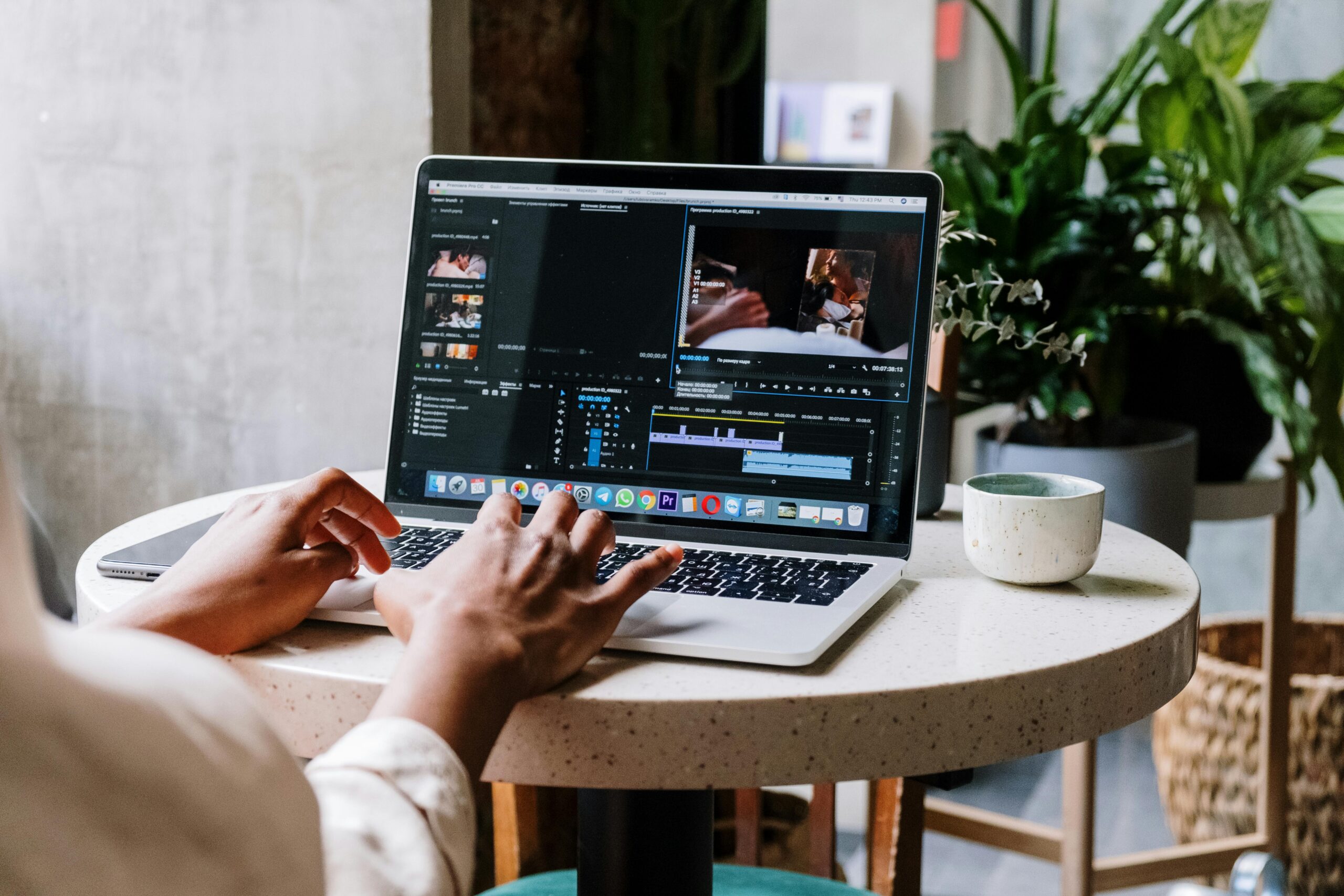
Adobe Premiere Pro is the most widely used professional video editing software in the world. It is available through Adobe Creative Cloud subscription at approximately $30 CAD per month for the single-app plan, or as part of the full Creative Cloud suite.
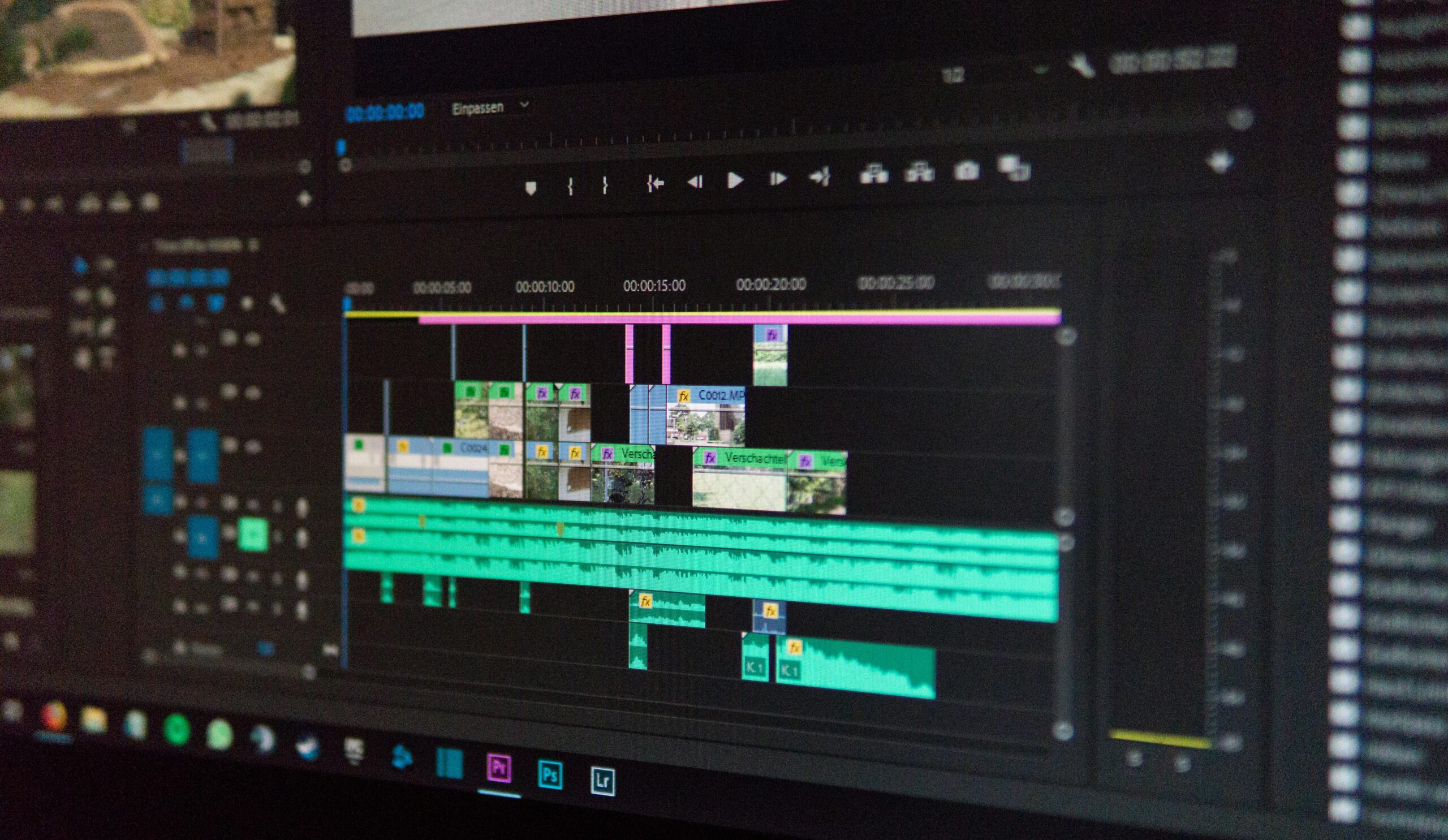
Premiere Pro’s strengths include deep integration with other Adobe products (After Effects for motion graphics, Photoshop for graphics, Lightroom for photo editing, Audition for audio), an enormous library of online tutorials and community resources, and widespread industry adoption that makes Premiere skills directly transferable to employment environments.
The subscription model means ongoing costs — $360+ CAD per year — which adds up over time. However, for photographers already paying for Adobe Creative Cloud for Lightroom and Photoshop, adding Premiere Pro through the full suite plan is cost-effective.
Final Cut Pro — Best for Mac Users
Final Cut Pro is Apple’s professional video editing software, available exclusively for macOS at a one-time cost of $399.99 CAD. It is optimised for Apple hardware and delivers exceptionally fast performance on Mac computers, particularly those with Apple Silicon processors.
Final Cut Pro uses a magnetic timeline that makes editing intuitive for beginners while remaining powerful enough for professional work. Its integration with Apple’s ecosystem — including AirDrop, iCloud, and iPhone footage — creates a seamless workflow for Mac-based creators.
The limitation is platform exclusivity. If you ever switch to Windows or need to collaborate with editors on other platforms, your Final Cut skills and project files do not transfer.
CapCut — Best for Social Media Content
CapCut is a free video editing application owned by ByteDance (TikTok’s parent company) available on mobile and desktop. It is designed specifically for short-form social media content and includes trending templates, effects, music, and text styles that align with current social media aesthetics.
CapCut is not a professional editing tool — it lacks the depth of DaVinci Resolve or Premiere Pro for long-form or commercial work. But for TikTok Reels, Instagram Reels, and YouTube Shorts, it is the fastest path from raw footage to published content. Our TikTok content course guide covers using CapCut for photography content specifically.
iMovie — Best for Absolute Beginners on Mac
iMovie comes free with every Mac and provides a simple, intuitive editing experience that teaches basic concepts — timeline editing, cutting, transitions, titles, music, and export — without overwhelming new users. It is an excellent starting point for someone who has never edited video before, though most users outgrow it quickly and move to DaVinci Resolve, Premiere Pro, or Final Cut Pro within months.
Which Software Should You Choose?
If you want professional capability at zero cost: DaVinci Resolve. It is the best value proposition in video editing and will serve you from your first edit through professional commercial work.
If you are already in the Adobe ecosystem and want seamless integration: Premiere Pro. The subscription cost is justified by integration benefits and industry-standard status.
If you are exclusively on Mac and want maximum performance: Final Cut Pro. The one-time purchase and Apple optimisation make it compelling for committed Mac users.
If you primarily create short-form social media content: CapCut for speed and trend-readiness, supplemented by DaVinci Resolve or Premiere for longer or more complex projects.
Core Editing Skills to Develop
Regardless of which software you choose, the fundamental editing skills remain the same across all platforms. Cutting and trimming clips to remove dead space and tighten pacing. Sequencing shots to tell a coherent story. Adding B-roll cutaways to cover jump cuts and add visual interest. Colour correction and grading for consistency and mood. Audio balancing to ensure dialogue, music, and effects work together. Export settings optimised for your delivery platform.
Our audio for video guide covers the audio side of post-production in detail, and our Certificate in Videography teaches editing as part of a complete video production education.
Start Your Video Editing Education
A video editing course gives you the skills to transform raw footage into professional, polished video content. Explore our Certificate in Videography or browse our full range of courses to build your complete video production skill set.